How to Install LMC 8.4 on Any Android Phone
If you want to take your smartphone photography to the next level, LMC 8.4 APK is one of the best Google Camera (GCam) ports you can install. This modified camera app offers features that go beyond the stock camera, including advanced manual controls, custom configuration files, noise reduction, and better image processing.
The best part? You don’t need a Google Pixel phone to use it. You can install LMC 8.4 on almost any Android device by following the steps in this guide.
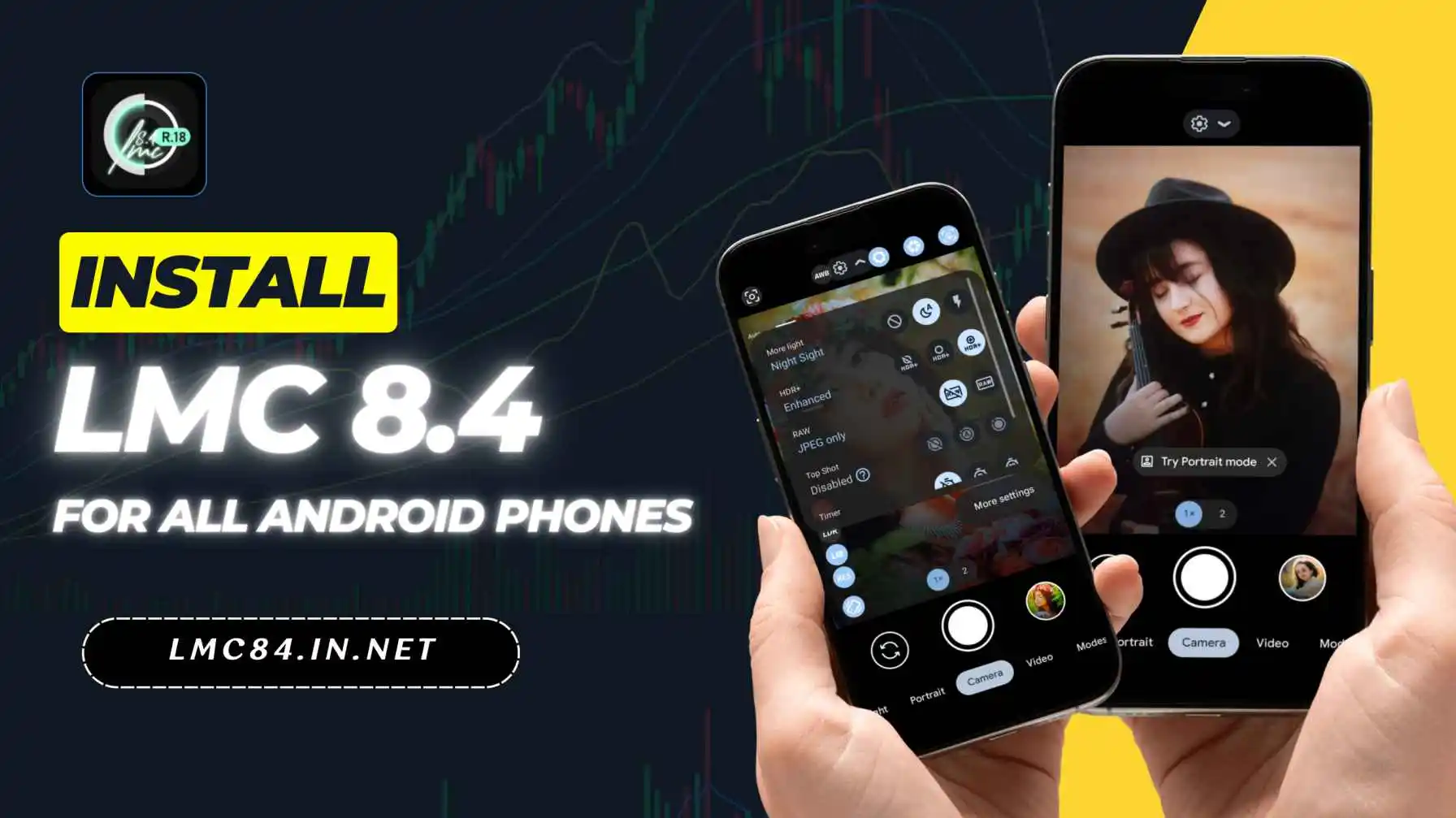
How to Install LMC 8.4 on Any Android Phone
Step 1: Download the APK File
Visit lmc84.in.net locate the download button, tap on it and wait for the file to finish downloading.
Step 2: Enable Unknown Sources
Since this app is not from the Google Play Store, your phone will block the installation by default. To fix this, go to your phone’s Settings, then find Security or Privacy, and turn on Install from Unknown Sources.
Step 3: Locate the Downloaded File
Open your phone’s File Manager or My Files app, and navigate to the folder where your downloads are saved. You should see the LMC 8.4 APK file there.
Step 4: Install the App
Tap on the APK file and select Install. The installation may take a few seconds. When it’s done, you’ll see the LMC 8.4 app icon on your home screen or in your app drawer.
Step 5: Open and Set Up
Launch the LMC 8.4 app and explore its settings. You can load custom config files for optimized performance, adjust camera modes, and tweak settings to match your shooting style.
Extra Tip: If you experience crashes, go to Settings > Apps > LMC 8.4 > Storage and clear the app cache.
By following these steps, you can enjoy the advanced photography features of LMC 8.4 on almost any Android phone, making your photos sharper, clearer, and more professional.
How To Load/Import LMC 8.4 Config XML File?
Using Config XML files in LMC 8.4 helps you get the best possible photo results without manually changing settings. These files contain optimized configurations for specific phones, ensuring better color accuracy, sharpness, and low-light performance. Here’s how you can load or import them easily.
Steps to Load/Import LMC 8.4 Config XML File
Step 1: Download the Config XML file from your Config File Page that matches your phone model.
Step 2: Create a folder named LMC8.4 in your phone’s internal storage (if it doesn’t already exist).
Step 3: Move the downloaded Config XML file into the LMC8.4 folder.
Step 4: Open the LMC 8.4 camera app on your phone.
Step 5: Double-tap the black area next to the shutter button in the app’s main screen.
Step 6: A pop-up will appear. Select the Config XML file you saved earlier.
Step 7: Tap Import, and the new settings will be applied instantly.
Troubleshooting Tips for LMC 8.4
LMC 8.4 is a powerful camera app, but sometimes users may face issues like crashes, slow performance, or feature malfunctions. Here are practical troubleshooting tips to ensure smooth operation.
- Clear App Cache: Go to your phone’s Settings → Apps → LMC 8.4 → Storage → Clear Cache. This removes corrupted files that may cause crashes or slowdowns.
- Update the App: Always use the latest version of LMC 8.4, as developers release updates to fix bugs and improve stability.
- Restart Your Device: A simple restart can resolve temporary system glitches that affect app performance.
- Check Storage Space: Ensure your device has sufficient free storage, as low space can make LMC 8.4 unstable or slow.
- Reinstall the App: Uninstall LMC 8.4 and reinstall it to fix persistent issues caused by corrupted installation files.
- Enable Required Permissions: Make sure LMC 8.4 has permissions for Camera, Storage, Microphone, and Location to function correctly.
- Disable Battery Optimization: Some Android devices restrict app performance under battery saver mode. Turn off optimization for LMC 8.4 in settings.
- Use Compatible Config Files: Incorrect or outdated config files can cause instability. Always use files specifically made for your device and LMC version.
- Reduce Background Apps: Close unnecessary apps running in the background to free up RAM, which helps the camera app perform smoothly.
- Check for Device Compatibility: Ensure your Android version meets the minimum requirement for LMC 8.4 (Android 4.1+, preferably 9.0+ for newer features).
Frequently Asked Questions (FAQs)
Conclusion
With LMC 8.4, you unlock a professional-grade photography experience right from your Android phone. Installing it is simple if you follow the steps carefully, and with the right config file, you can get DSLR-like results.